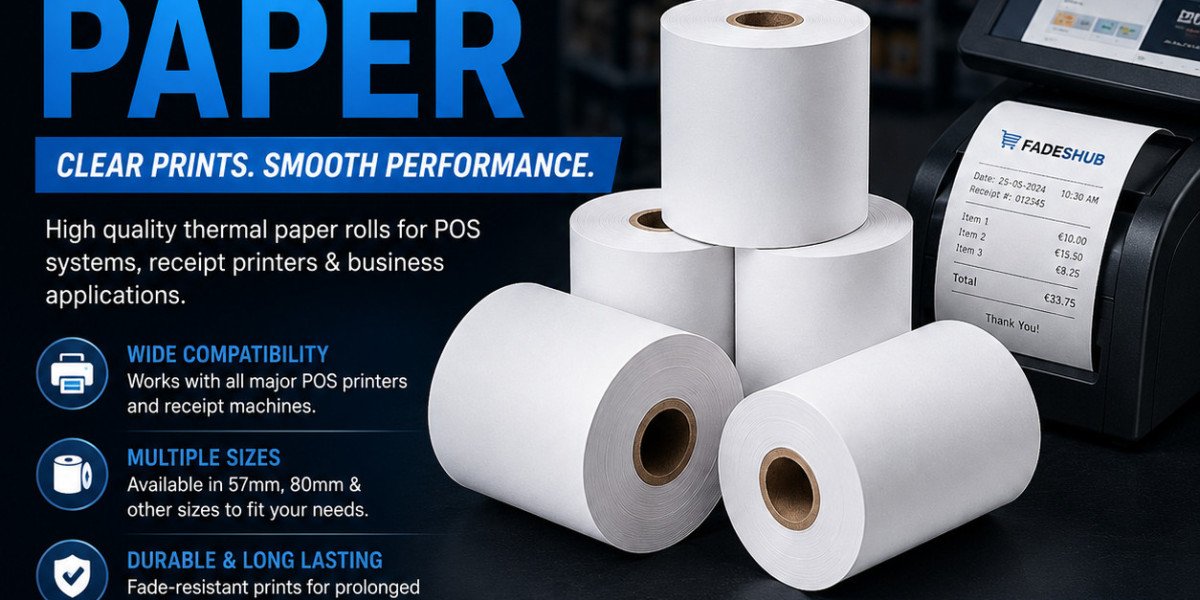

Thermal Paper Solutions for Faster and Reliable Business Printing
Thermal paper is an essential material for businesses that need fast, clean, and dependable printing without ink cartridges or toner. It is commonly used for receipts, labels, tickets, payment records, and order slips in shops, restaurants, pharmacies, banks, warehouses, and transport services. Unlike standard paper, it contains a heat-sensitive coating that reacts inside a thermal printer. This simple process produces readable information within seconds. When businesses choose the correct roll size and paper quality, they can reduce delays, improve customer service, and keep daily operations running smoothly.
What Makes Thermal Paper Different
Ordinary paper needs ink or toner to create an image, but thermal paper works through controlled heat. The printer contains a printhead with tiny heated elements. As the paper moves beneath it, selected parts of the coating darken to form words, numbers, barcodes, logos, and symbols. This method reduces the number of supplies a business must manage. There are no empty cartridges to replace, no ribbons to install, and no wet ink that can smudge after printing. The printer can also remain compact because its mechanism is relatively simple. These features make thermal printing practical for busy counters and small workspaces.
Business Uses Beyond Basic Receipts
Many people connect thermal printing only with checkout receipts, but its uses extend much further. Restaurants print kitchen orders and collection tickets so staff can prepare meals accurately. Warehouses create product labels and dispatch records that help workers identify stock quickly. Parking machines issue timed tickets, while clinics produce queue slips, appointment details, and pharmacy labels.
Choosing the Correct Roll Dimensions
A printer can only perform properly when the paper fits its holder and feeding path. Businesses should confirm the roll width, outer diameter, core diameter, and paper length before ordering. A roll that appears similar may still be unsuitable if one measurement is different. Common receipt widths include 57mm and 80mm, although these sizes are not universal. Compact card machines may require smaller rolls, while larger point-of-sale printers often use wider paper. It is safer to verify the printer model or an existing roll rather than depending solely on looks.
Why Paper Thickness Matters
Thickness affects both strength and capacity. Thinner paper can provide more length on a roll of the same diameter, which may reduce how often staff need to replace it. However, material that is too thin may tear, curl, or feed unevenly.
Print Quality and Professional Presentation
The last item a customer receives following a transaction is frequently a receipt. If the text is pale, incomplete, or difficult to read, the experience may feel less professional. Clear printing is also important when customers need proof of purchase, warranty information, or return details. Quality thermal paper usually provides stronger contrast and more consistent results. Barcodes and QR codes should have clean edges so scanners can read them quickly. Poor coating may create broken lines or uneven dark areas, leading to repeated scans and slower service. The printer condition matters as well. Dust, adhesive residue, or paper particles can collect on the printhead and reduce image clarity. Regular cleaning according to the manufacturer’s instructions can improve contact and extend the useful life of the equipment.
Correct Storage Preserves Performance
Because thermal paper responds to heat, storage conditions can affect it before use. Unopened rolls should be kept in a cool, dry area away from windows, radiators, ovens, and other heat sources. Direct sunlight may darken the coating or weaken its ability to produce a clear image later.
Contact with oils, solvents, cleaning chemicals, and some plastics can also damage the surface. Keeping rolls inside their original packaging protects them from dust and moisture. Businesses that purchase thermal paper rolls in large quantities should use older stock first rather than leaving it stored for long periods.
Solving Common Printing Problems
Faded output does not always mean the printer is broken. The roll may be loaded with the coated side facing away from the printhead. Gently scratching both sides can identify the printable surface because the coated side usually leaves a dark mark.
Incorrect dimensions may cause crooked feeding, jams, or loose movement. Low-quality rolls can produce extra dust, while unsuitable heat settings may create output that is too light or too dark. Checking these causes before replacing equipment can save time and money.
Reducing Waste Without Slowing Service
Businesses can control paper use by reviewing receipt settings and removing unnecessary blank space. Duplicate copies should print only when they are genuinely required. Where suitable, customers may be offered a digital receipt while printed copies remain available for those who prefer them.
Selecting a Dependable Supplier
A reliable supplier should provide accurate measurements, clear product descriptions, protective packaging, and consistent quality across every order. Price matters, but very cheap rolls may create hidden costs through poor feeding, frequent changes, faded output, or printer residue.
Frequently Asked Questions
Does Thermal Paper Need Ink?
No. Heat from the printer activates the coated surface, so ink, toner, and ribbons are unnecessary.
Why Do Some Receipts Fade Quickly?
Heat, sunlight, oils, chemicals, moisture, and unsuitable storage can weaken or darken the sensitive coating.
Can Every Thermal Roll Fit the Same Printer?
No. Width, diameter, core size, and paper type must match the printer’s stated requirements.
How Can Print Quality Be Improved?
Use compatible paper, load it correctly, clean the printhead, and follow the recommended printer settings.
Where Should Unused Rolls Be Stored?
Keep them sealed in a cool, dry location away from direct sunlight, heat, moisture, and chemicals.
For more articles, click here for printing technology insights, retail solutions, workplace information, and practical business updates.